
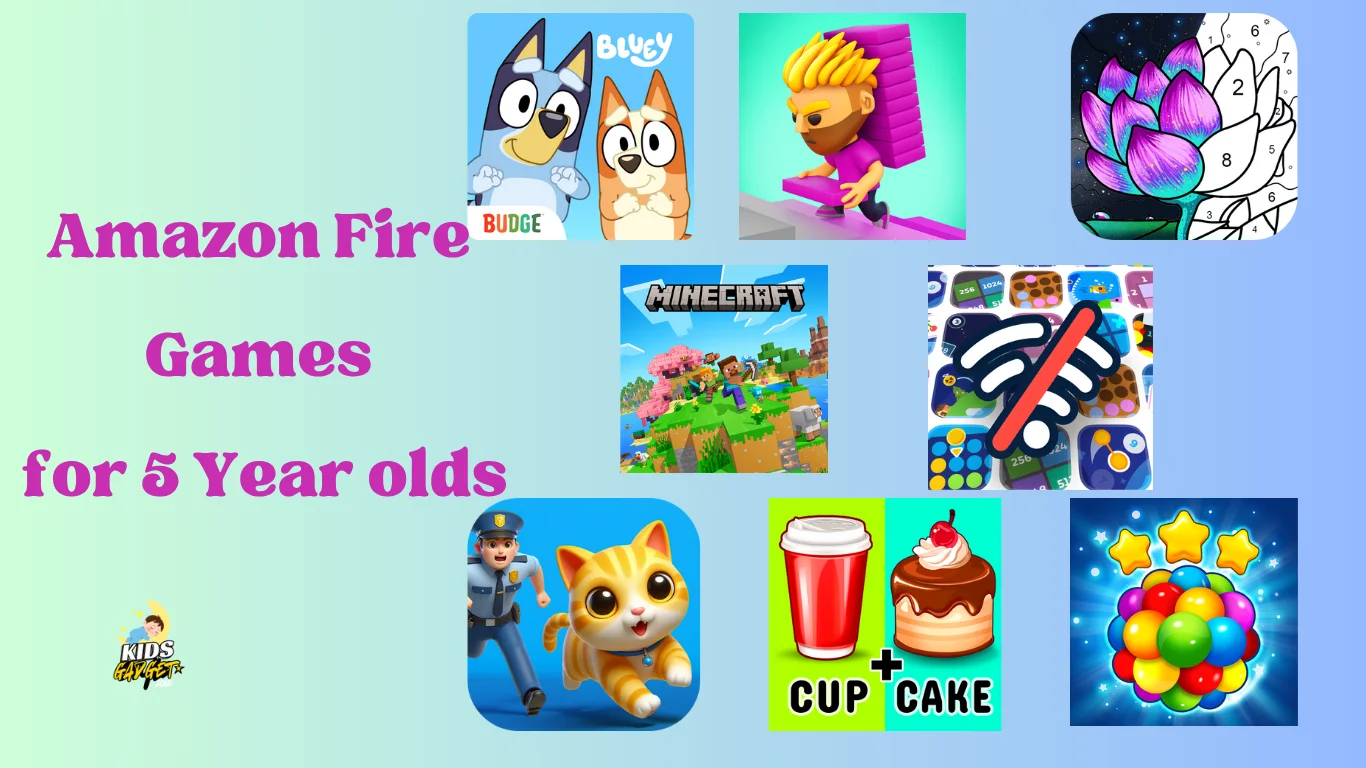
My five-year-old niece recently got an Amazon Fire tablet, and finding age-appropriate Amazon Fire games was a challenge! It's tricky navigating the app store, ensuring the games are both engaging and safe. This post will guide you through the best Amazon Fire games for five-year-olds, covering various categories and helping you choose games that will entertain and educate your little ones.
For more ideas on keeping kids engaged with technology, check out our blog for additional insights.
Educational Amazon Fire Games
This section explores apps that blend fun with learning, making playtime a valuable experience for your child. We'll focus on games that promote early literacy, math skills, and creativity.
For a broader look at educational toys, consider exploring a reliable machine that combines play with learning.
Early Literacy Apps
ABCmouse.com: This comprehensive early learning program offers a wide range of activities focused on reading readiness, including phonics, letter recognition, and vocabulary building. It uses interactive games and engaging characters to keep children motivated. It's subscription-based, but the extensive content justifies the cost for many parents.
Starfall: Starfall offers a free version and a paid version, focusing on early literacy skills. Its engaging games and animation help children learn letters, sounds, and simple words in a fun and playful way. The free version provides a good starting point, allowing you to assess if your child enjoys the style before investing in a subscription.
According to the U.S. Department of Education, early literacy skills are crucial for a child's academic development. Apps like ABCmouse.com and Starfall align well with these educational goals.
Math Games and Activities
Khan Academy Kids: A well-regarded resource providing a curriculum that covers various subjects, including math. It offers games and activities that help children develop fundamental math concepts like counting, addition, and subtraction. The app's adaptive learning features adjust to your child's pace, ensuring a personalized learning experience.
Moose Math: Moose Math is a game specifically designed to help preschoolers and kindergartners develop their math skills. Children complete different challenges involving numbers and solving simple math problems. The app uses a reward system to incentivize learning.
To further enhance your child's learning, you might also look into the correct fluid level for a well-rounded educational experience.
Creative and Imaginative Games
This section highlights apps designed to spark creativity and imagination, encouraging open-ended play and problem-solving.
Drawing and Painting Apps
Kid-friendly drawing apps: Many simple drawing apps are available on the Amazon app store, allowing children to freely express their creativity. Look for apps with easy-to-use interfaces and a variety of tools, colors, and textures. Consider user reviews to ensure the app is truly child-friendly and avoids in-app purchases.
Digital coloring books: Digital coloring books provide an interactive and engaging way for children to explore their creative side. Many offer a variety of images to choose from and provide a virtual canvas that allows for different colors and patterns.
For more creative activities, check out spark creativity for additional ideas.
Storytelling and Role-Playing Games
Many games allow children to create their own stories or engage in interactive role-playing scenarios. Look for apps that offer diverse characters, settings, and storylines to capture your child's imagination. Consider apps that promote creativity and self-expression.
Age-Appropriate Amazon Fire Games
Choosing games suitable for a five-year-old is crucial. This section focuses on safety and content appropriate for this age group. We'll discuss how to navigate the Amazon app store effectively and avoid inappropriate content.
Navigating the Amazon Appstore
Use parental controls: Amazon Fire tablets offer built-in parental controls allowing you to set age restrictions, limit screen time, and monitor app usage. Activating and customizing these settings is a crucial first step in ensuring your child's online safety.
Preview apps before installation: Always preview the game and read reviews from other parents before installing it. Pay close attention to the app description and user reviews to ensure it meets your expectations and your child's age range.
Identifying Age-Appropriate Content
Check the age rating: Amazon provides age ratings for apps. Always check this rating before downloading any app. Pay attention to the description; sometimes the rating doesn't fully reflect the content.
Read reviews: User reviews often provide valuable insights into the game's content and suitability for young children. Pay particular attention to comments from other parents about the app's appropriateness and any potential issues.
Free Versus Paid Amazon Fire Games
This section will compare the advantages and disadvantages of both free and paid games. We will explore the common concerns with free games, such as in-app purchases and advertisements.
Free Games: Potential Pitfalls
In-app purchases: Many free games use in-app purchases to generate revenue. These purchases can quickly add up, leading to unexpected costs. Always check the app's description for details on in-app purchases before downloading.
Advertisements: Free games often contain advertisements that can be distracting and inappropriate for young children. Check user reviews to see if ads are intrusive or disruptive to gameplay.
Paid Games: Benefits and Considerations
Ad-free experience: Paid games generally offer an ad-free experience, creating a more focused and enjoyable playtime for children. This can significantly improve the overall user experience, especially for younger users.
Higher quality: Paid apps often have higher production values and more engaging content. They often have better graphics, sound effects, and gameplay mechanics than their free counterparts.
| Feature | Free Games | Paid Games |
|---|---|---|
| Cost | Free (but may include in-app purchases) | One-time purchase fee |
| Advertisements | Often contains ads | Usually ad-free |
| Content | Variable quality | Generally higher quality |
Additional Game Categories for 5-Year-Olds
Problem-Solving and Logic Games
Thinkrolls: This series of games offers a variety of logic puzzles that are perfect for young children. The games are designed to be fun and engaging while also helping children develop critical thinking skills.
Busy Shapes: Busy Shapes is a game that helps children develop their problem-solving skills through a series of shape-based puzzles. The game is designed to be intuitive and easy to understand, making it perfect for young children.
Music and Rhythm Games
Simply Piano: This app offers a fun and interactive way for children to learn the basics of playing the piano. It uses games and activities to teach children about notes, rhythms, and simple songs.
Loopimal: Loopimal is a game that allows children to create their own music by mixing and matching different animal sounds and beats. It's a fun and creative way for children to explore music and rhythm.
For more musical activities, consider exploring engaging sheet music resources.
Debunking Myths About Amazon Fire Games for 5-Year-Olds
Myth 1: All free games are bad.
While many free games contain ads or in-app purchases, some offer high-quality, engaging content without these drawbacks. Always carefully examine the app description and reviews before installing.
Myth 2: Paid games are always better.
While paid games often have higher production values, some free games also offer excellent content. The best choice depends on individual preferences and budget.
Myth 3: Parental controls are unnecessary.
Parental controls are essential to protect children from inappropriate content and excessive screen time. They provide peace of mind and help parents manage their children's digital experiences effectively.
Tips for Maximizing Educational Value
Set Learning Goals: Before downloading games, identify specific skills you want your child to develop, such as reading, math, or problem-solving. This helps in selecting the most appropriate apps.
Combine Play with Real-World Activities: Use the games as a starting point for offline activities. For example, if your child enjoys a math game, reinforce those skills with real-world counting or simple addition exercises.
Monitor Progress: Many educational apps offer progress tracking. Regularly check your child’s progress to understand their strengths and areas where they might need more support.
Safety and Privacy Considerations
Data Collection: Be aware of what data the apps collect. Some apps may collect data on usage patterns or personal information. Always review the privacy policy of an app before downloading it.
Online Interactions: Ensure that the games your child plays do not allow for online interactions with strangers. Stick to single-player or local multiplayer games to avoid any potential risks.
Regular Updates: Keep the apps and the tablet’s operating system updated to the latest versions to ensure all security features are active and effective.
FAQ
What are the best educational Amazon Fire games for 5-year-olds?
Khan Academy Kids, ABCmouse.com, and Starfall are popular choices, offering engaging activities that teach early literacy and math skills. Always preview the app to ensure it meets your child's needs and learning style.
How can I prevent my child from making in-app purchases?
Enable parental controls on your Amazon Fire tablet, set purchase restrictions, and regularly monitor your child's app usage. This prevents accidental or unauthorized purchases.
Are there any free Amazon Fire games suitable for 5-year-olds?
Yes, several free games are appropriate, but always check for ads and in-app purchases. Read reviews carefully to gauge the quality and suitability of the game.
What are the risks of letting my 5-year-old play games on a Fire tablet?
Potential risks include exposure to inappropriate content, excessive screen time, and accidental in-app purchases. Mitigating these risks requires parental involvement and the use of strong parental controls.
How much screen time is appropriate for a 5-year-old?
The American Academy of Pediatrics recommends limiting screen time for children aged 2-5 to one hour per day of high-quality programming. Always monitor your child's screen time and ensure it's balanced with other activities.
How do I delete an app from my child's Fire tablet?
Go to Settings, then Apps & Games, select the app you want to remove, and choose "Uninstall". This ensures the app is removed from the device and can't be accessed.
Can Amazon Fire games help with my child's social skills?
Yes, certain multiplayer or cooperative games can encourage turn-taking, sharing, and communication. Look for games that require collaboration or have a strong narrative element to promote social interaction.
What should I do if my child loses interest in a game quickly?
It’s normal for young children to have short attention spans. Try rotating games regularly or choosing apps with varied activities to keep them engaged. Also, consider combining game time with other activities they enjoy.
Final Thoughts
Selecting suitable Amazon Fire games for your five-year-old involves careful consideration of age appropriateness, educational value, and safety features. By leveraging parental controls, previewing apps, and reading reviews, you can curate a collection of engaging and enriching games that support your child's development and provide hours of fun.
For more recommendations on kids' gadgets and educational tools, visit our blog.
Remember to balance screen time with other activities to promote healthy development.